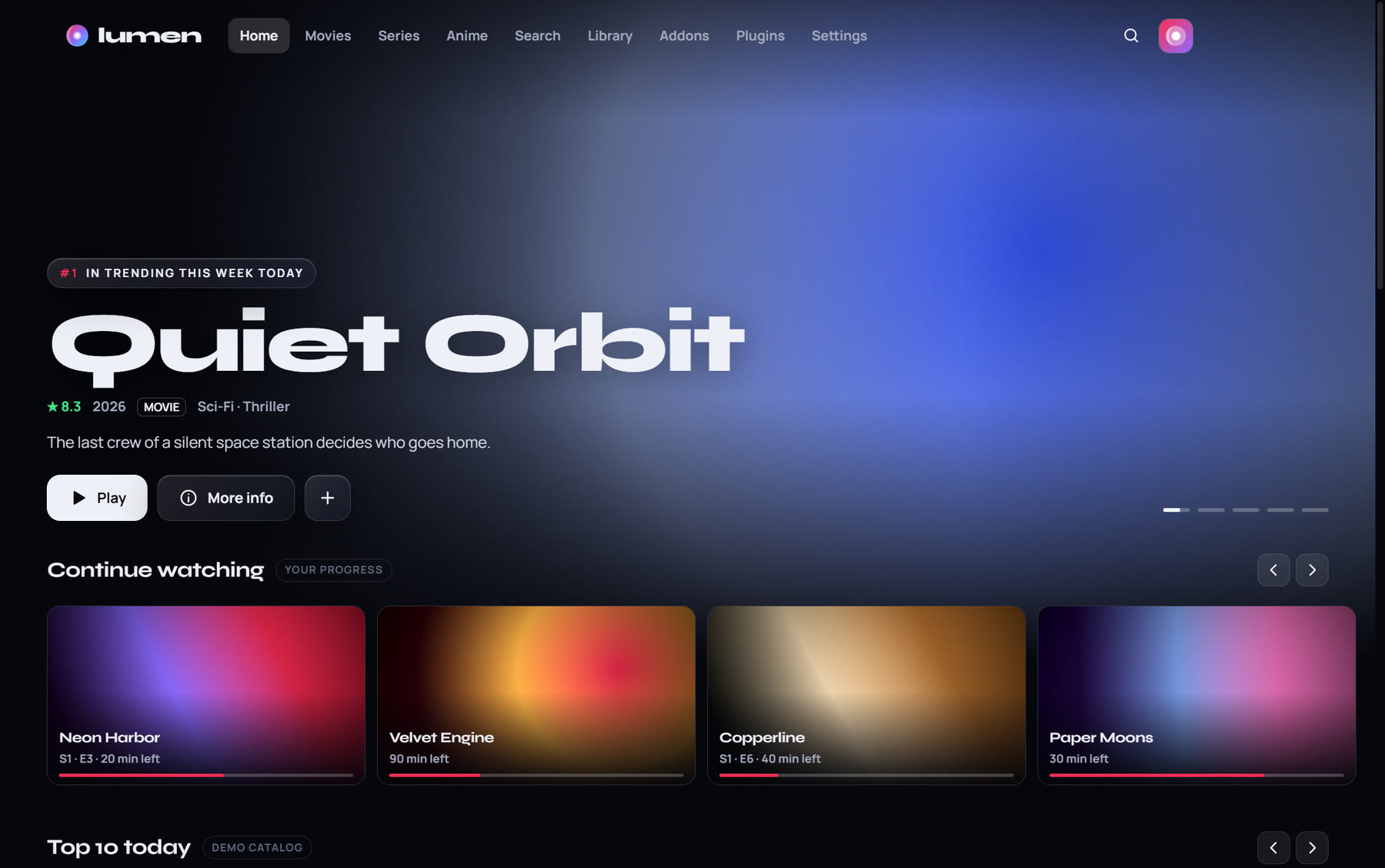
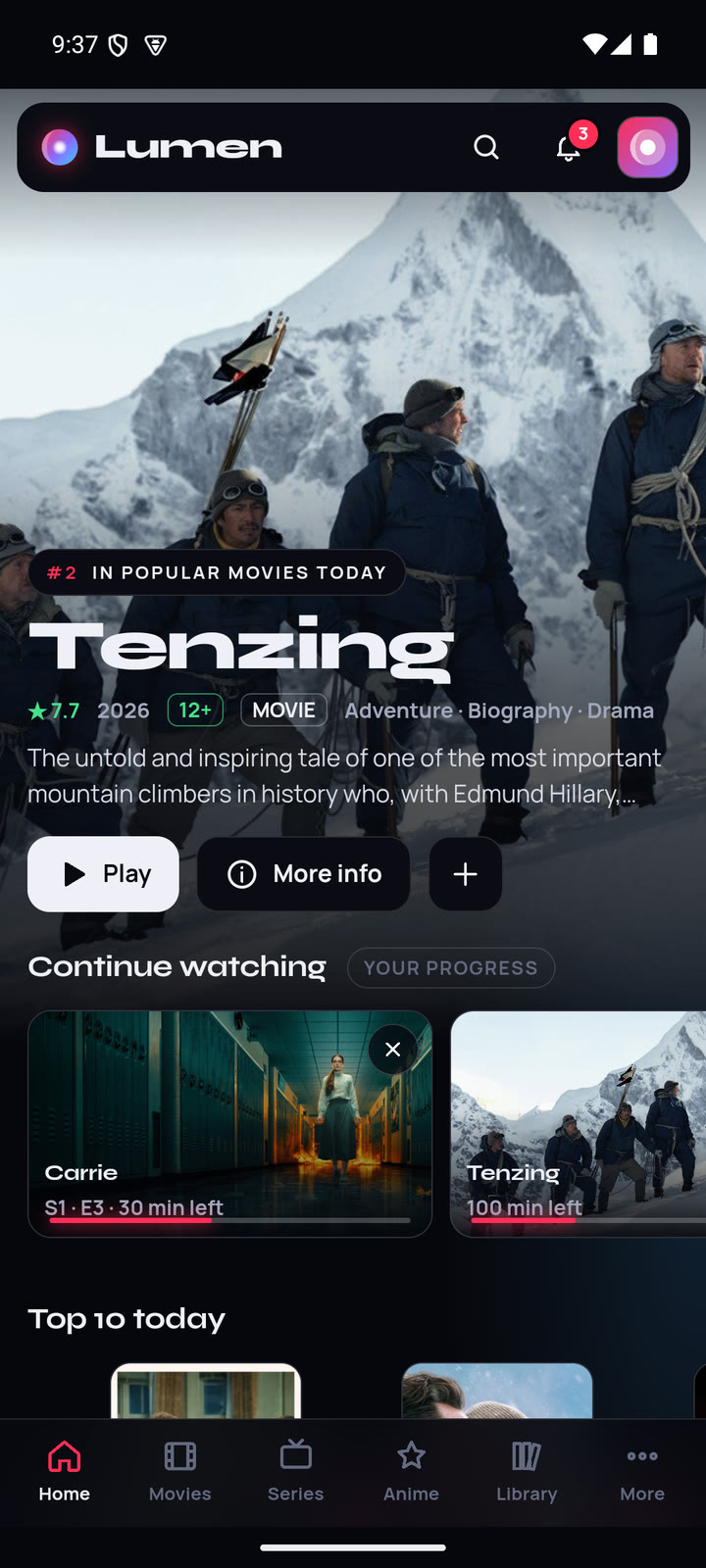
4K, HDR and Dolby
Samsung's own player plays MKV, HEVC, HDR and Dolby Digital, so big files play the way they were made.
Your addons, on the big screen.
Lumen on your living-room TV, made for the remote. The TV plays 4K, HDR and Dolby itself, and signing in with your phone brings your profiles and addons in seconds.
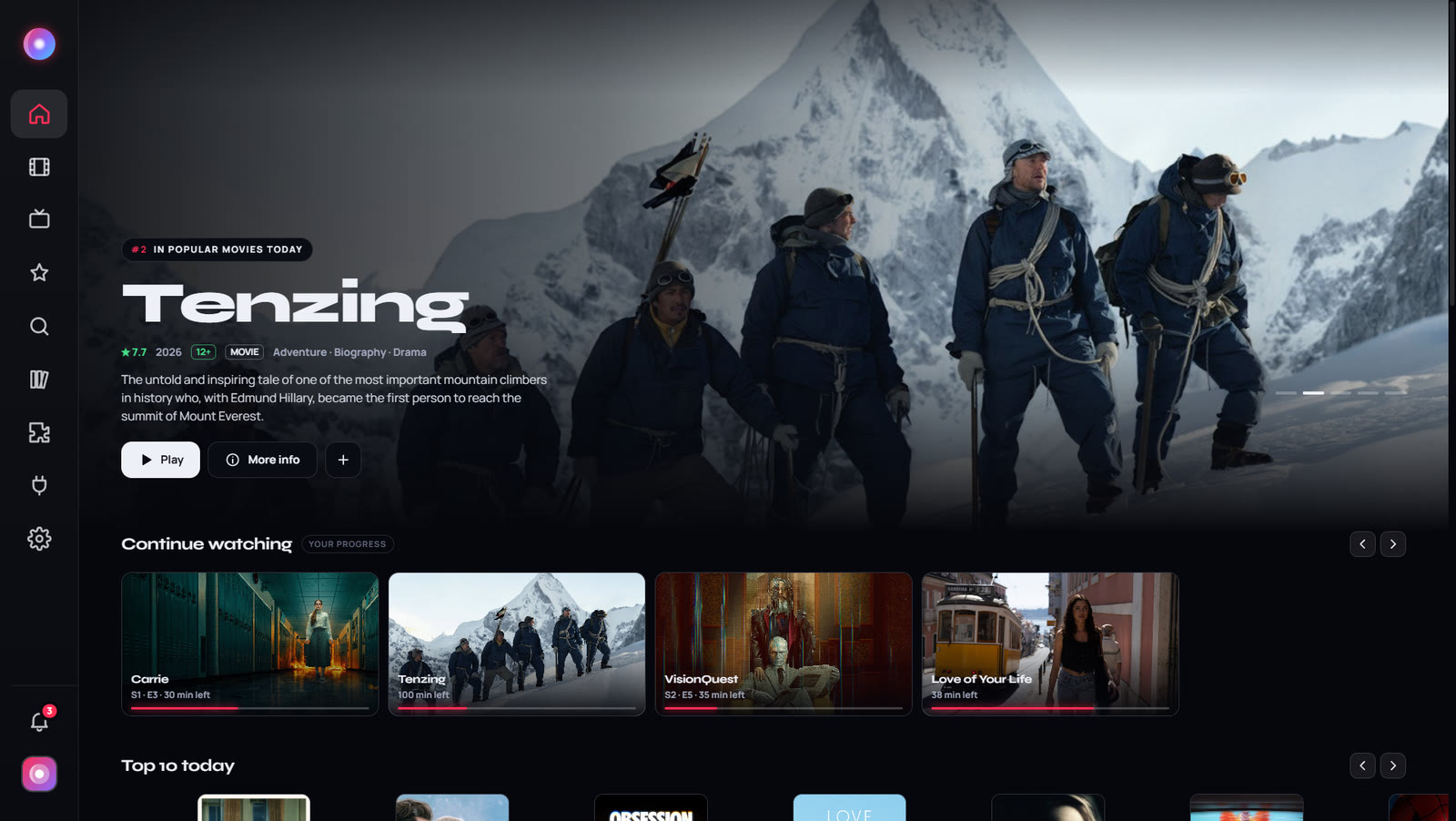
The same Lumen as on Windows, with everything sized for the sofa. It plays what your own addons find and comes with no content of its own.
Samsung's own player plays MKV, HEVC, HDR and Dolby Digital, so big files play the way they were made.
A glowing focus ring follows the arrows, OK picks, Back goes back. In the player, the media keys just work.
No typing with the remote: scan the code with your phone and your profiles, lists and addons come with your account.
The Anime tab, airing calendars and your progress, on the biggest screen in the house.
Everyone picks their profile when Lumen opens. Kids profiles only show titles rated for their age.
Link it once on the TV for cached sources. Your key stays on the TV and is never synced.
Lumen on a Samsung TV at 1080p.
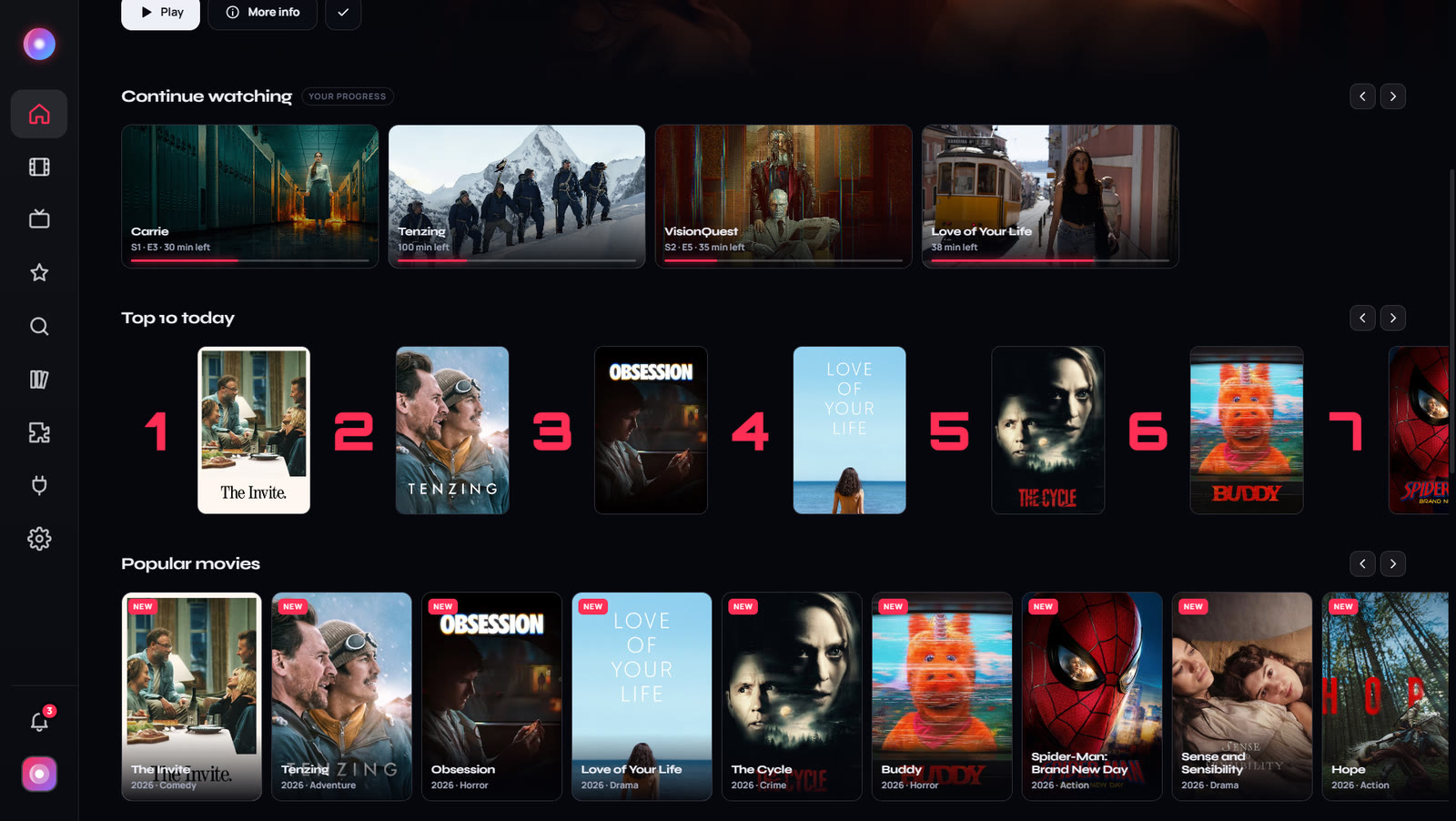
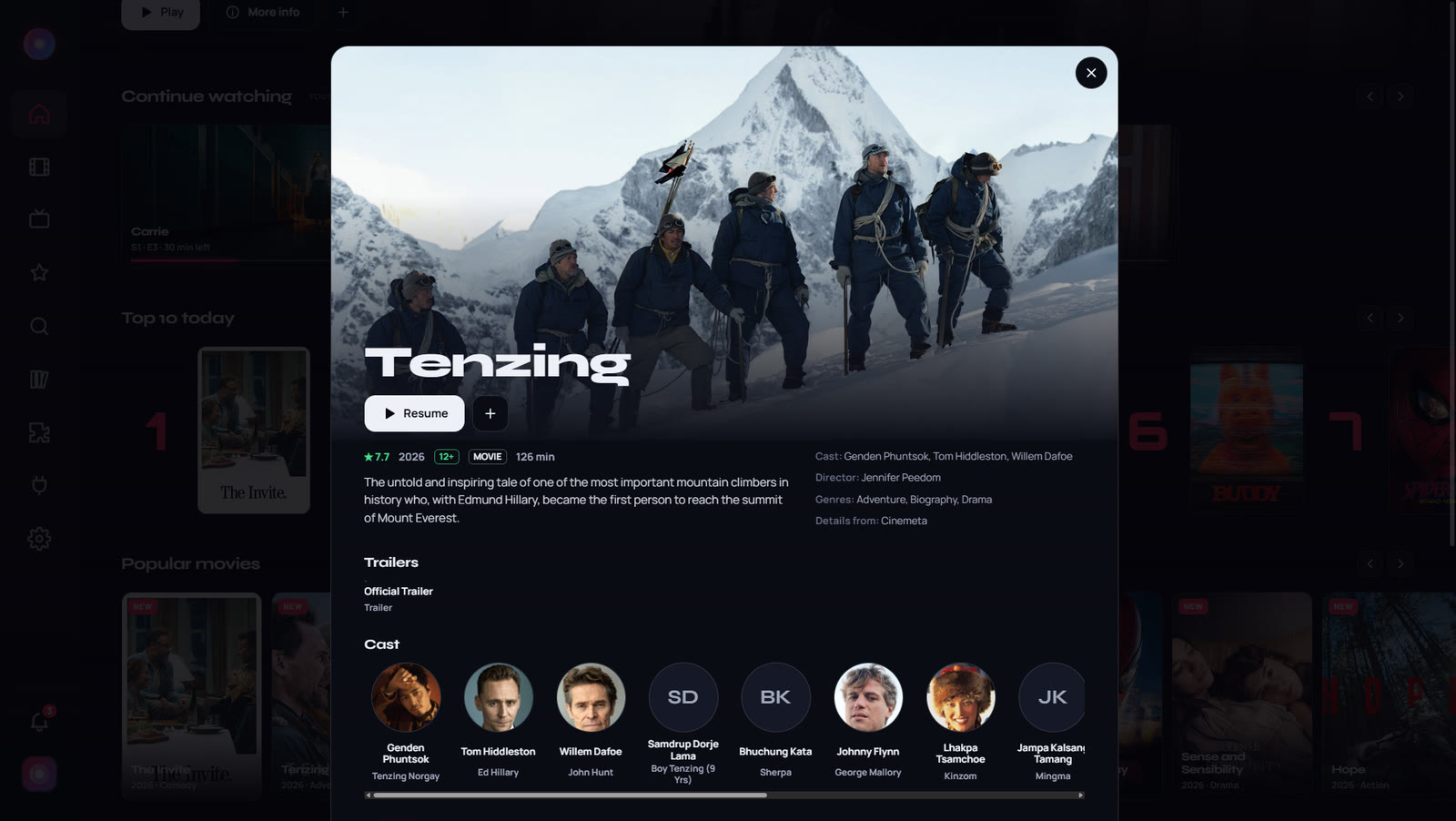
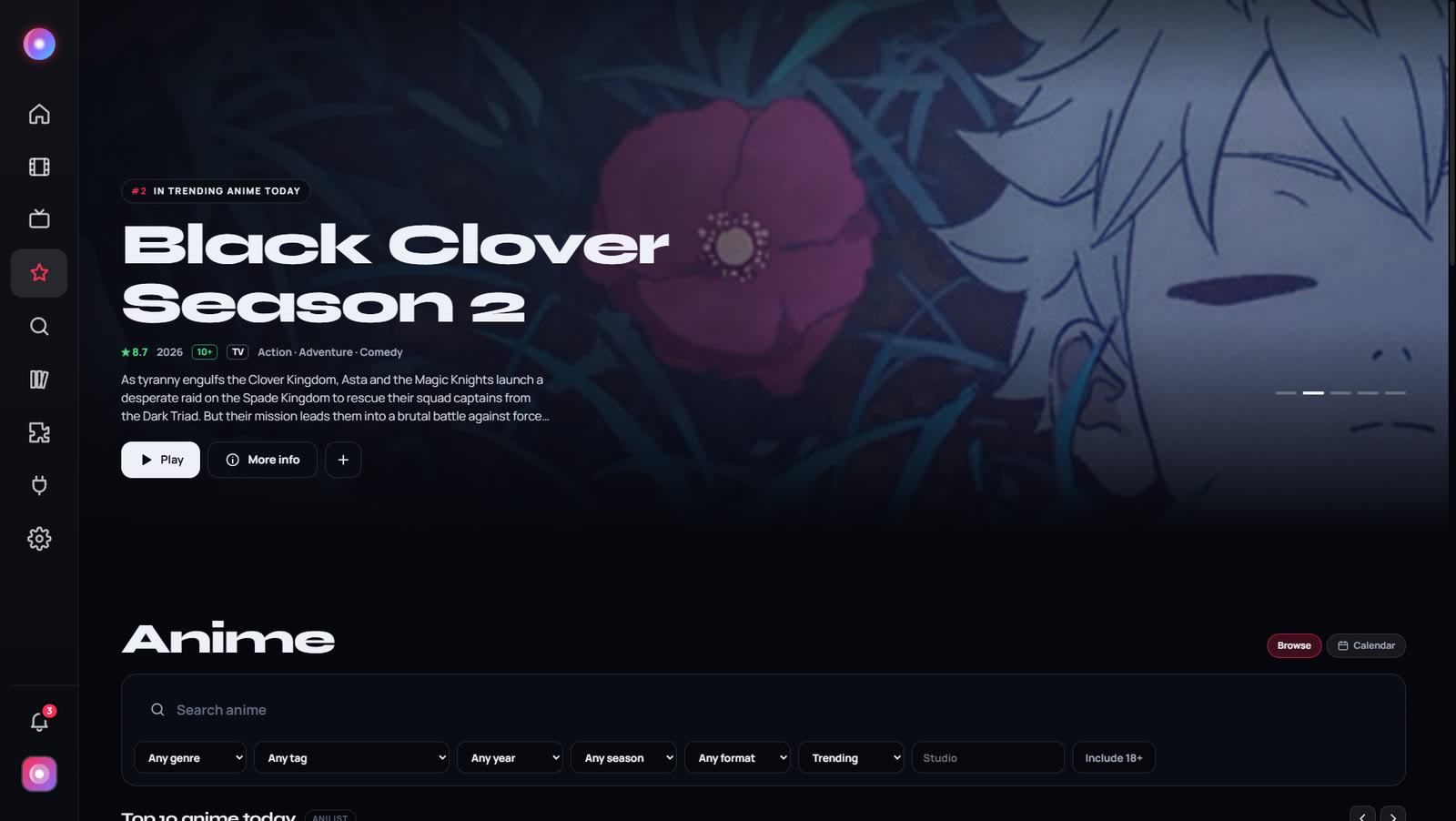
Everything works with the remote that came with your TV.
Lumen isn't in Samsung's app store. Samsung only lets a TV install outside apps that are signed for that TV, so you sign Lumen once on a PC. The TV release has the file and every step in detail.
On the TV, open Apps, type 1 2 3 4 5 with the remote, turn Developer mode on with your PC's IP address, then restart the TV.
On your PC, install Samsung's free Tizen Studio with its TV extension and Certificate Manager.
Create a free Samsung TV certificate that includes your TV, then sign the Lumen file from the release with it.
Install Lumen on the TV from Tizen Studio, open it and sign in by scanning the QR code with your phone.
Samsung smart TVs running Tizen, from 2019 models on. It was built and tested on a 2022 Samsung QLED.
Lumen isn't published in Samsung's store, so it's installed with Samsung's developer tools instead. You only do it once; updates install the same way.
The TV plays video and Dolby sound itself. Samsung TVs have no DTS, so sources with only DTS sound are marked. Google and MyAnimeList sign-in, addon setup pages, clips and Play on TV aren't on the TV: set those up on your PC and sign in to bring them over.
Roku has a Lumen channel that plays what you send from Lumen for Windows: start a title on your PC and choose Play on TV in the player.
Not to use Lumen, but signing in is by far the easiest way to bring your addons to the TV. See the privacy policy.
Get Lumen for your Samsung TV and bring your addons to the big screen.