A touch player
Tap once for big play and 10-second skip buttons in the middle of the screen, drag the bar to seek, and pick audio and subtitles from one menu.
Your addons, in your pocket.
Everything you love about Lumen on the PC, made for your thumb: a tab bar, big touch controls in the player, and your profiles, lists and addons the moment you sign in.
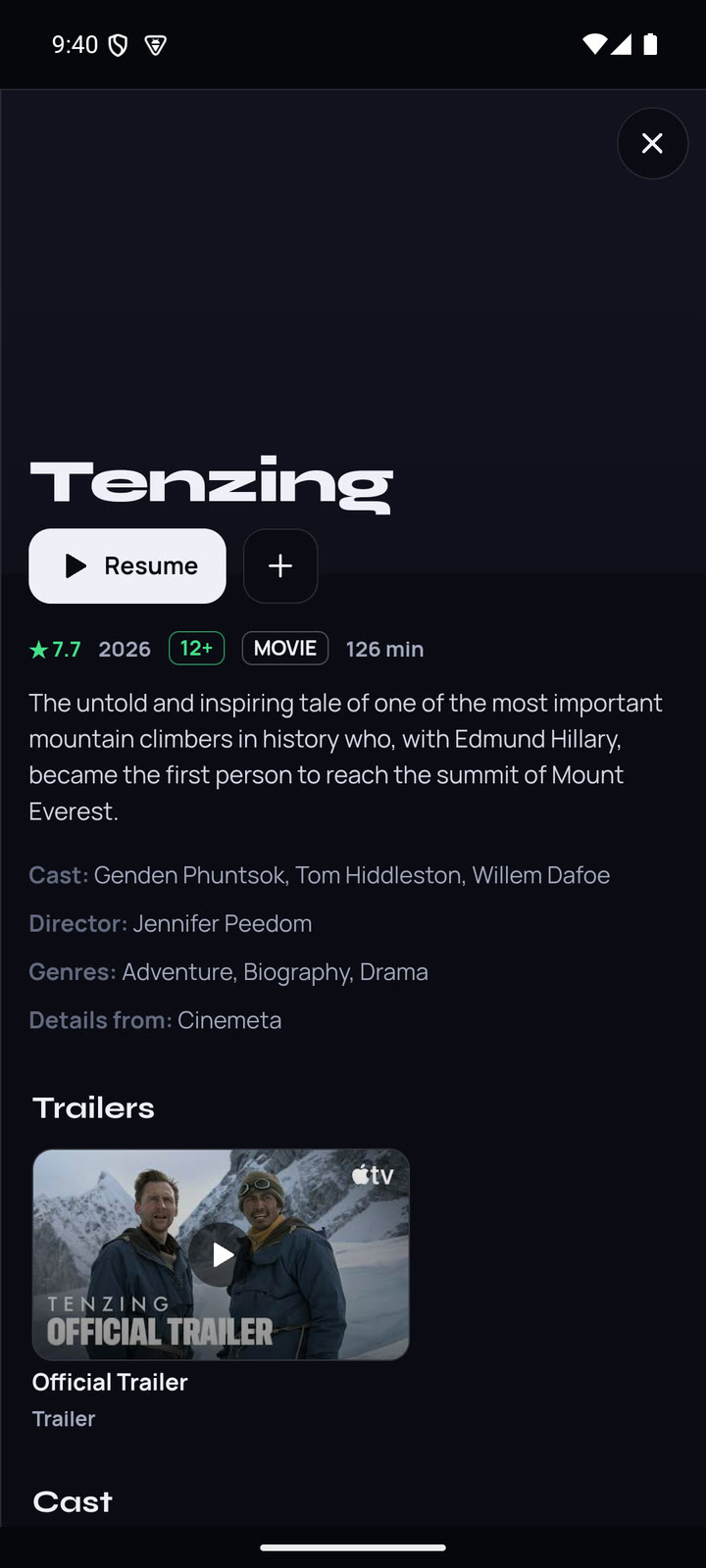
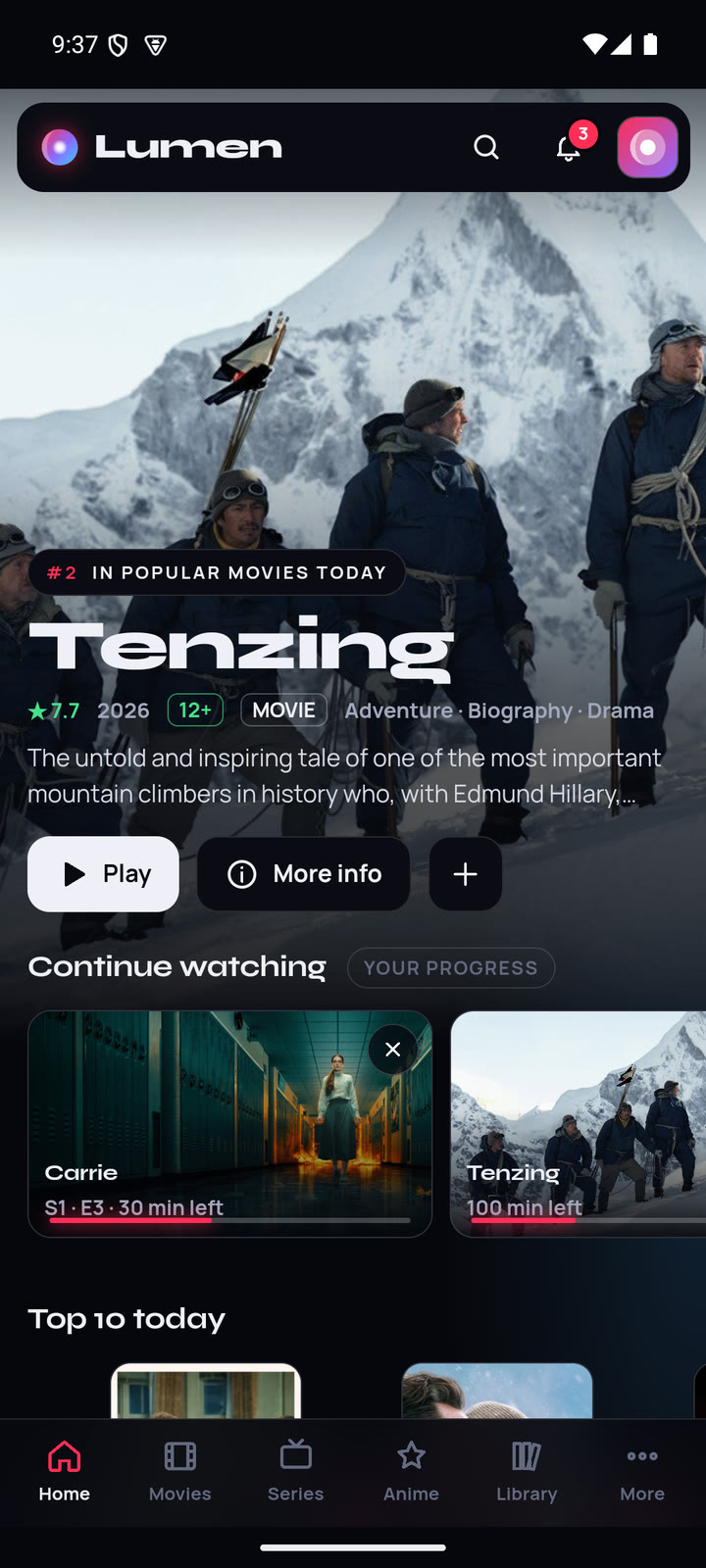
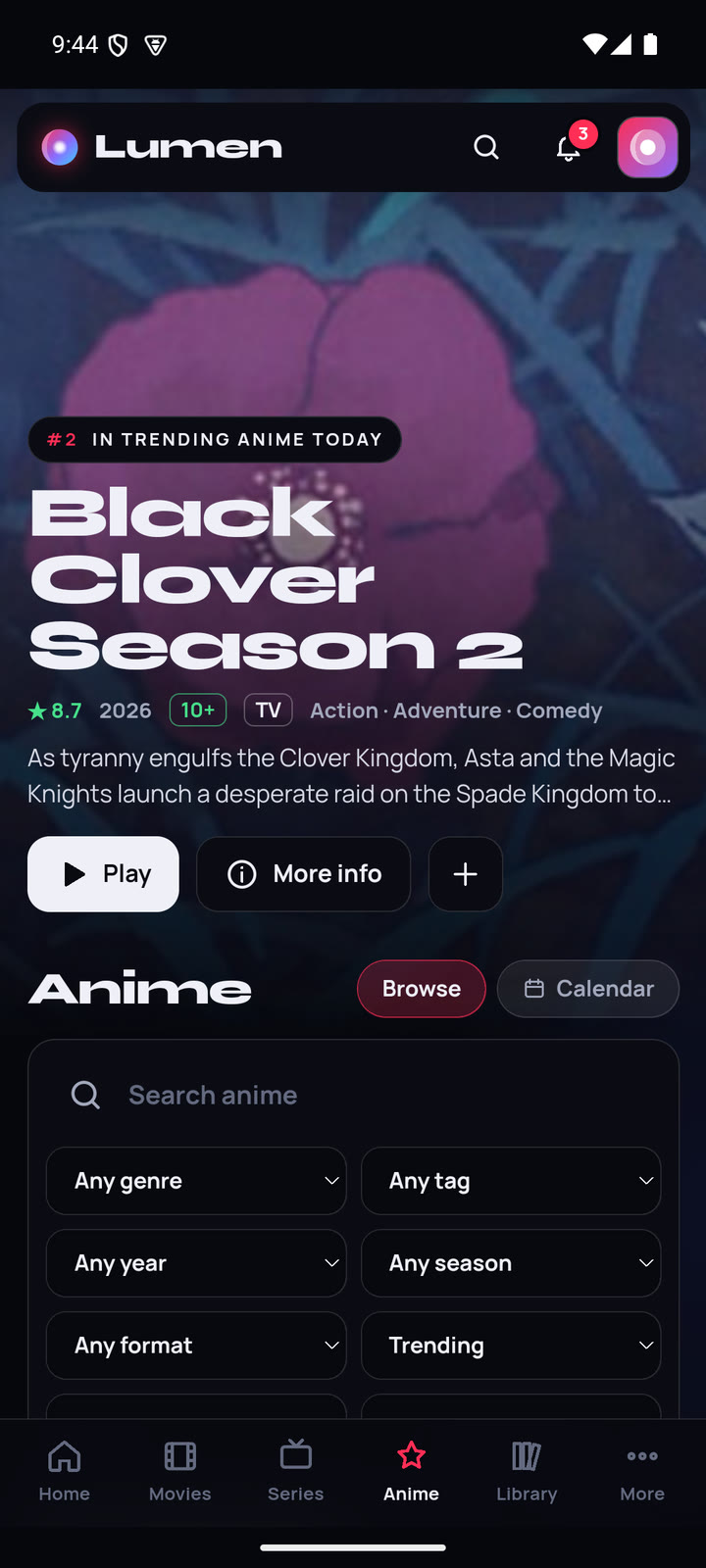
The same Lumen as on Windows, reworked for touch. Like on the PC, it plays what your own addons find and comes with no content of its own.
Tap once for big play and 10-second skip buttons in the middle of the screen, drag the bar to seek, and pick audio and subtitles from one menu.
Sign in to your Lumen account, with email or Google, and your profiles, My List, progress and addons arrive. Your Real-Debrid key stays on the device.
The Anime tab, the airing calendar and your MyAnimeList or AniList progress, with skip intro on the progress bar.
Join a friend's room with their 6-letter code, from your phone or theirs. Play and pause stay in sync.
Performance mode reads your phone and turns off heavy effects on entry-level models, so scrolling stays smooth.
Lumen tells you when a new version is out and downloads it. Android then shows its own install screen.
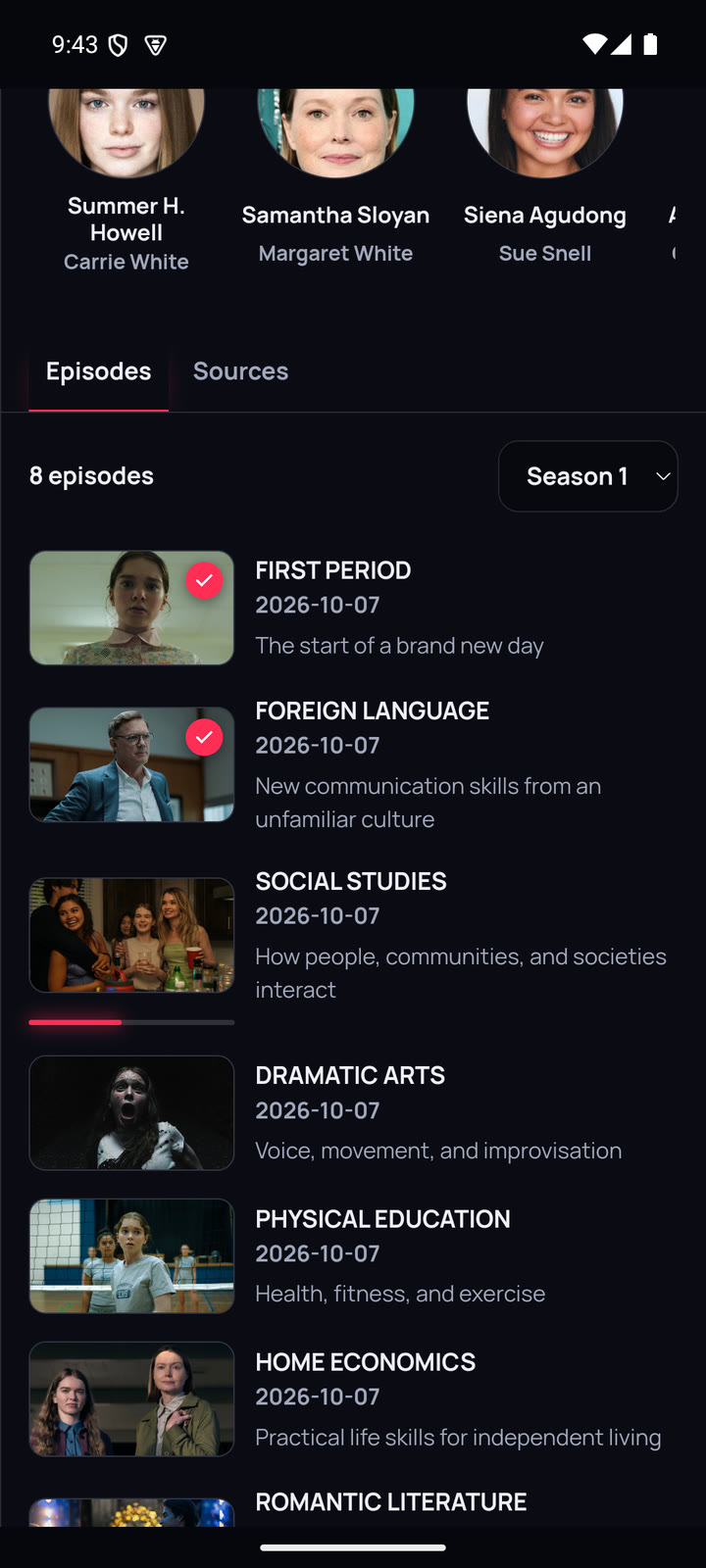
Real screens from Lumen on an Android phone.
Lumen isn't on Google Play, so it's installed from its APK file.
Open this page on your phone and tap Download. The file comes straight from Lumen's GitHub releases.
Open the downloaded file. Android asks whether your browser may install apps: allow it, then tap Install.
Sign in to bring everything from your PC, or add addons and link Real-Debrid on the phone itself.
Only install apps from places you trust. Lumen's APK is published on GitHub with every release, signed with the same key every time, so Android only accepts updates that really come from Lumen.
Android phones running Android 8 or newer. On entry-level phones, Performance mode keeps things smooth automatically.
The phone plays videos with Android's own player, which handles most files and Dolby sound on most phones. The PC's sound fix, clips, VLC and Play on TV aren't on phones, and sources with only DTS sound are marked when your phone can't play them.
No. An account only keeps your profiles, lists and addons the same on your PC, phone and TV. See the privacy policy.
No, Lumen is for Android phones, Windows and Samsung TVs.
Download the APK on your phone, sign in and pick up where you left off.